Blog
Tutorials, tips and practical guides on WordPress and WooCommerce.
 Porady I NarzedziaTips And Tools
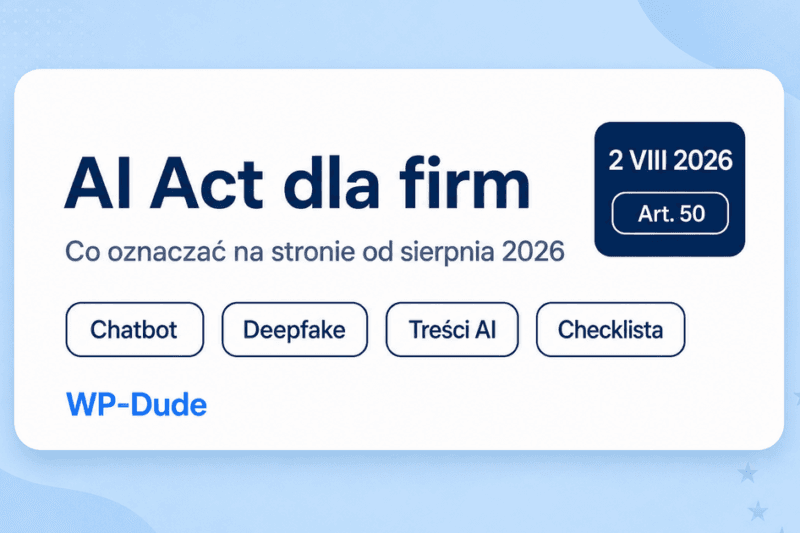
AI Act for businesses – what to disclose on your website in 2026
From 2 August 2026, AI Act transparency touches sites with chatbots, AI creatives and company content. A practical…
Read more→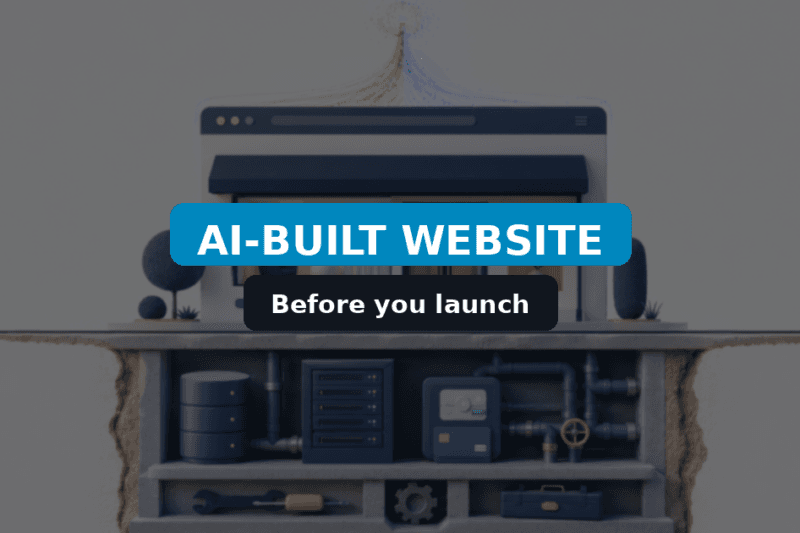 Tips And ToolsUncategorized
AI-Built Website: What to Check Before You Launch
An AI builder can draft a site in an hour. Before you launch, review data flows, forms, security, performance, and who…
Read more→ Tips And ToolsUncategorized
WordPress GEO: Get Cited in AI Overviews and ChatGPT (2026)
Practical WordPress GEO for 2026: answer-first structure, FAQ schema, E-E-A-T, and a pre-publish checklist for AI…
Read more→ Tips And ToolsUncategorized
WordPress 7.0 Armstrong: what changed and what matters for your site
WordPress 7.0 Armstrong: what just shipped WordPress 7.0 “Armstrong” landed on May 20, 2026 with core AI plumbing, a…
Read more→ Tips And ToolsUncategorized
WordPress glossary of terms – part 2: advanced
advanced part This half of the glossary is for maintainers, developers, and technical briefings: it assumes you read…
Read more→ Tips And ToolsUncategorized
WordPress glossary of terms – part 1: basics
why this glossary This guide collects the most common WordPress-related terms so you can read agency emails, hosting…
Read more→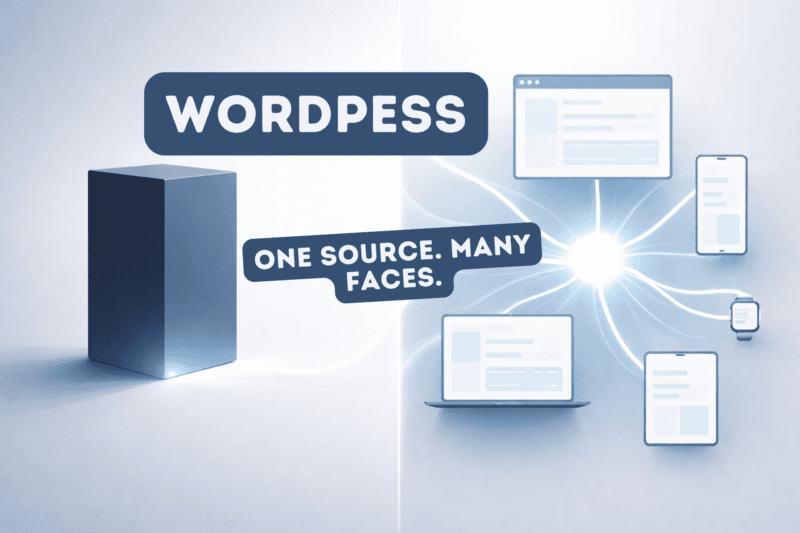 Ux User ExperienceCustomization And DevelopmentTheme And Template Design
WordPress Headless: One Source of Content, Many Possibilities
WordPress headless guide: REST/WPGraphQL architecture, preview, cache, forms, SEO (SSR/SSG), and an honest classic vs…
Read more→ Tips And ToolsUncategorized
How to Add Custom CSS to Your WordPress Site
Add custom CSS in WordPress 7 the right way: Additional CSS, theme.json, child themes, or a small plugin – plus…
Read more→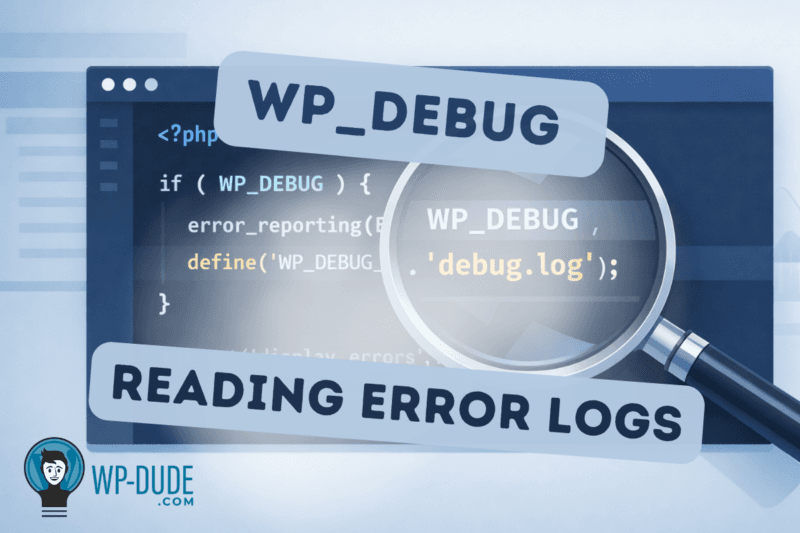 Wordpress Troubleshooting
WordPress Debugging: Enabling WP_DEBUG and Reading Error Logs
Enable WordPress debugging safely: keep WP_DEBUG_DISPLAY off on production, separate log sources, and use Recovery Mode.
Read more→ Ux User ExperienceCustomization And DevelopmentPlugins
How to Add a Favicon to Your WordPress Website – Step-by-Step Guide
Add a WordPress favicon (Site Icon) on classic and block themes, meet Google image basics, and fix cache/subdomain…
Read more→ Performance OptimizationWordpress Troubleshooting
How to Fix the WordPress White Screen of Death: Effective Solutions
Fix WordPress WSOD safely: backup, Recovery Mode, logs, plugin/theme isolation, PHP memory, and path-specific checks.
Read more→ Customization And DevelopmentTheme And Template DesignTips And Tools
WordPress Child Theme: Customize Your Site with Ease
WordPress Child Theme lets you customize your site safely and easily without altering parent theme files. Learn how to…
Read more→